Quick Start — CC Capture
 |
CC Capture is client software that works with Mac or Windows that connects to measurement devices and uploads measurement data to ChromaChecker Inspectors. We have prepared a series of procedures - each focused on key tasks and helps new users understand how easy the software is to use. The QuickStart procedures can be performed without an active ChromaChecker account. This capability is provided for demonstration purposes only and can be terminated anytime. CC Capture is G7® Certified. To use the G7 tool in production requires a subscription. |
Preparatory activities:
- Make sure that you have a compatible Instrument
- Download the most recent CC Capture version
- Install the software, and check if your instrument is properly recognized by the operating system. You may need administrator privileges or the newest firmware. If you find any problem, please consult our troubleshooting guidelines.
Select QuickStart procedure:
| Print Inspector | Instrument Inspector | Substrate Inspector | Color Inspector | Lighting Inspector |
 |
 |
 |
 |
 |
|
|
Verify Repeatability |
|
|
|
Hardware extensions:
| CC-2D barcode reader | CC RHT-USB Sensor | Label Printer | RFID card reader | |
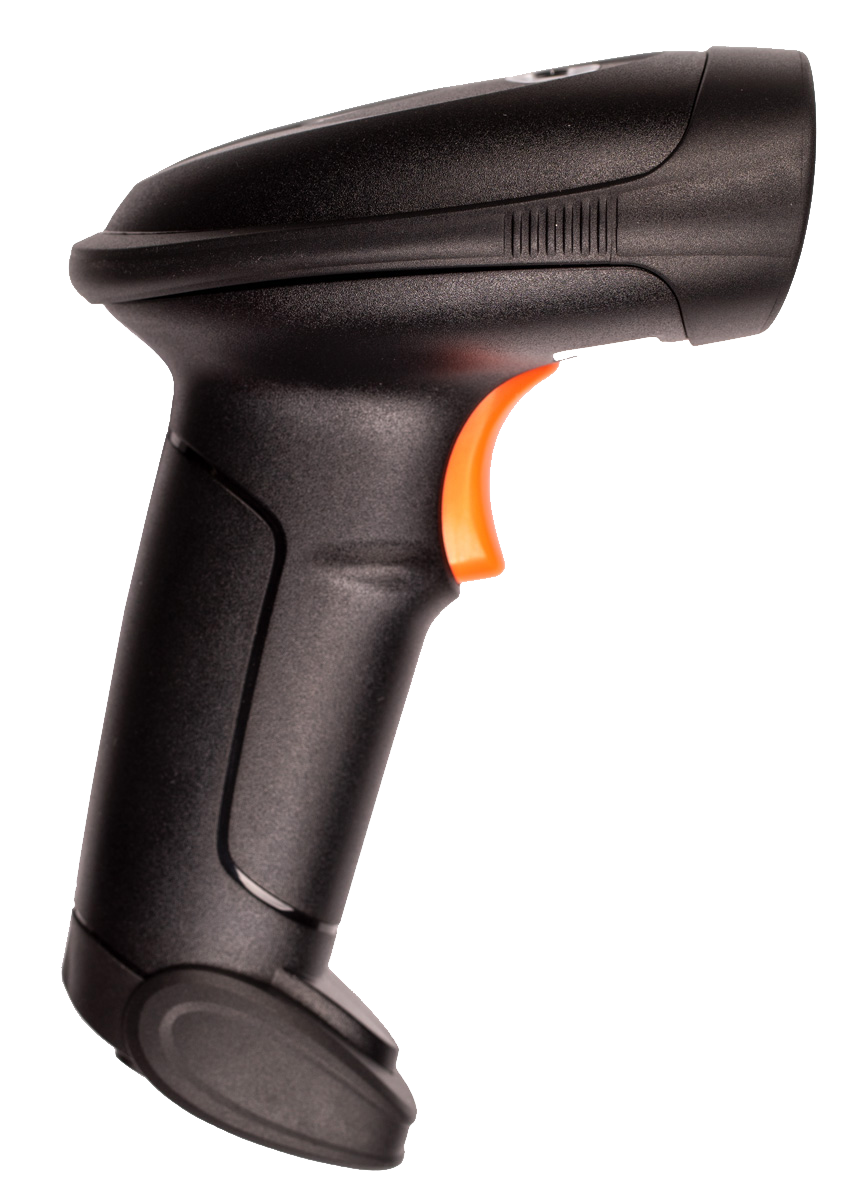 |
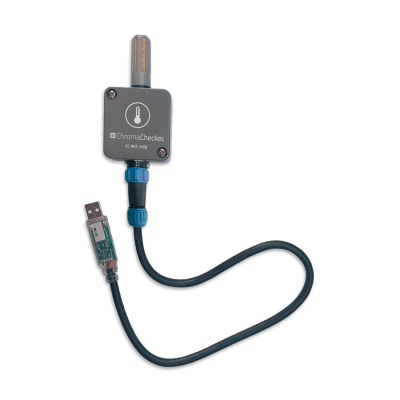 |
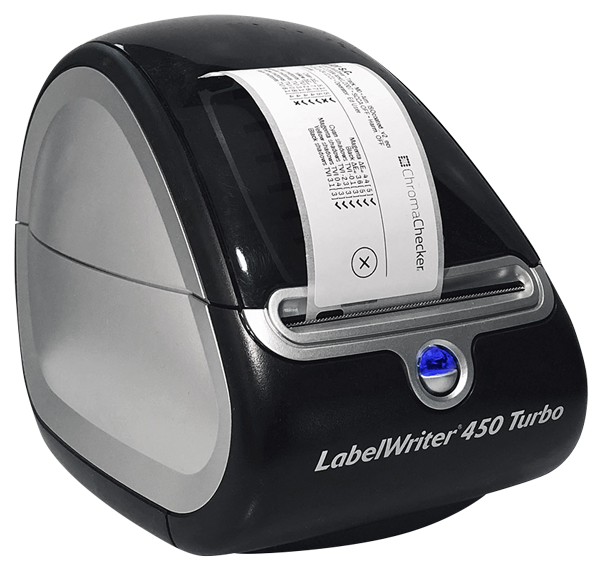 |
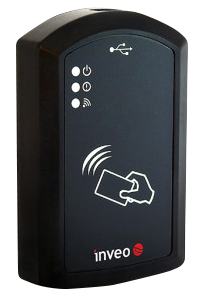 |
|
|
|
|
|
|
CC Capture Connect window
To connect, there are several conditions:
- A supported instrument must be successfully connected to the host computer. In most cases, the CC Capture installer should help install drivers - but some instruments might require additional activity.
- The user has to have a valid ChromaChecker account with a license to use the instrument – the number of instruments that can be registered depends on the type of subscription plan. Use "Organisation Name" to enter your account login name.
Limitations
If the user doesn't have their own ChromaChecker account and anonymously uses the demonstration account application, they will not have access to full reporting capabilities. Only limited in-application reports can be displayed. In some situations, file saving may be disabled, so it might not be possible to generate ICC profiles or G7 calibration curves. Access to historical data will not be possible, all users use the same account, and most measurements will be deleted. The data may be unorganized since it is uploaded by several users testing the software and doesn't expect a well-organized workspace. Register for your trial version to access the desired function, or buy a regular subscription to experiment more.
Video
-
How to configure ChromaChecker to use Capture for scanning a control strip to assess measurement data from your printer.
-
This tutorial covers the Accountability Inspector to define staff and assignment of instruments, devices, light booths, plate setters, etc.
-
ChromaChecker allows you to track the reproduction of critical corporate colors using tools that allow you to define a color library for defining and sharing color definitions. This allows you to define the master color and track the color from design through production and check the reproduction along the way using LAB values, ISO ISO17972, and production Look Up Tables (LUTs)
-
Capture Connect Window - First time experience.
It explains all the necessary options to connect and log in to CC Capture properly and start working.
Related Topics
Contact ChromaChecker Support
Additional information and Support Form is available for logged users.
