Print Inspector — Basic Features
Print Inspector monitors and evaluates printing devices using control strip measurements, comparing results against ISO standards, G7 targets, or custom baselines. It is the core tool for process color quality control in ChromaChecker.
What Print Inspector Does
Print Inspector collects measurement data from control strips scanned on press, analyzes it against defined standards, and provides pass/fail reporting across the entire production fleet. Key capabilities:
Tolerance Sets & Standards
Each printing device in Print Inspector is assigned a Tolerance Set — a collection of pass/fail thresholds for each measured channel (solid densities, TVI, gray balance, ΔE). Tolerance sets can be based on:
- ISO 12647-2 (offset), ISO 12647-6 (flexo), ISO 12647-7 (digital proof)
- G7 Grayscale, G7 Colorspace
- GRACoL 2013, FOGRA 39/51/52, PSO Coated
- Custom internal standards defined by your organization

OK Sheets
An OK sheet turns any individual press sheet measurement into a reusable reference target. Once a client approves a press sheet during a run, that measurement can be saved as an OK sheet and used as the reference standard for future reprints of the same job.
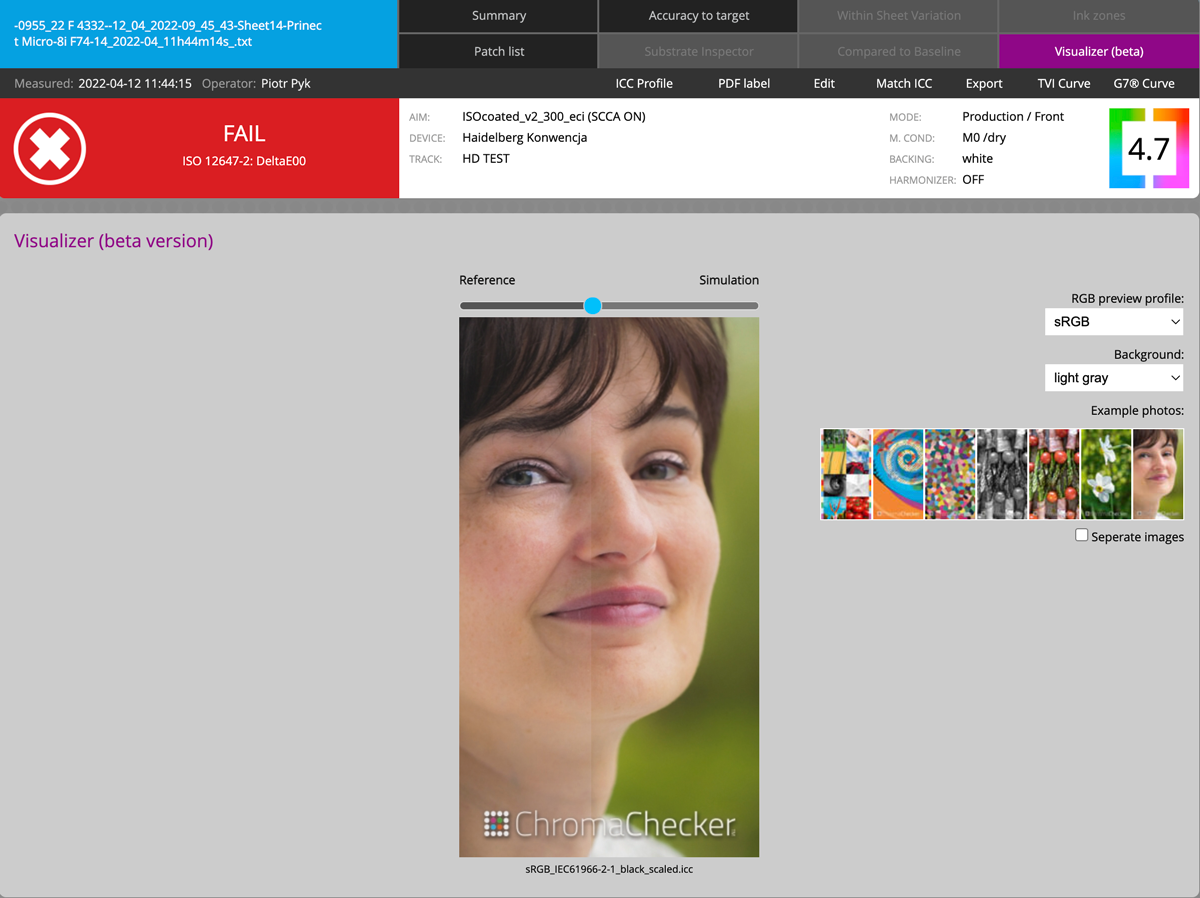
Visualizer
The Visualizer tool lets operators and managers simulate what a print condition looks like on screen, using the measured data to preview the visual effect of any deviation from the standard. This helps communicate pass/fail results to non-technical stakeholders.