The Grid
Generate PDF color variant sheets to visually locate a target color.
Overview
Grid is available from the ChromaChecker Capture interface or from the Operator interface via Cloud Login. Cloud login provides more flexibility, but the CC Capture interface is easy to access.
Purpose
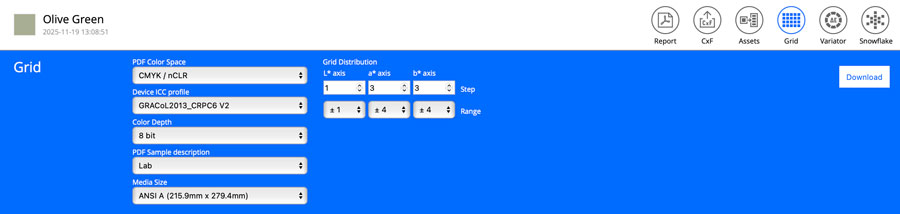
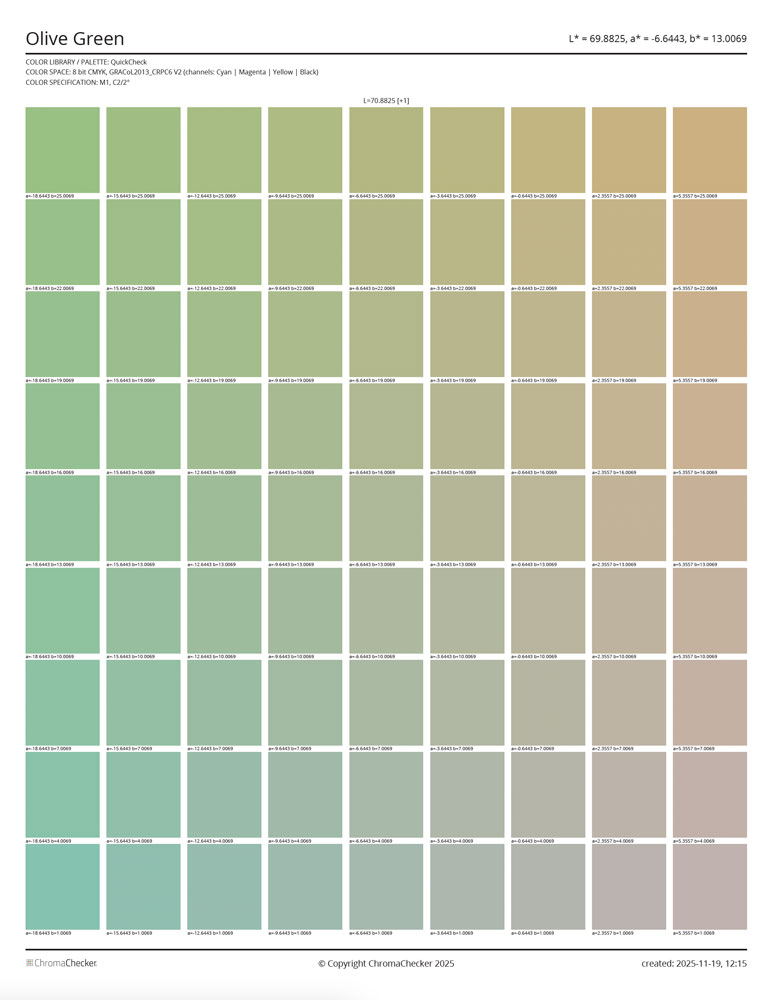
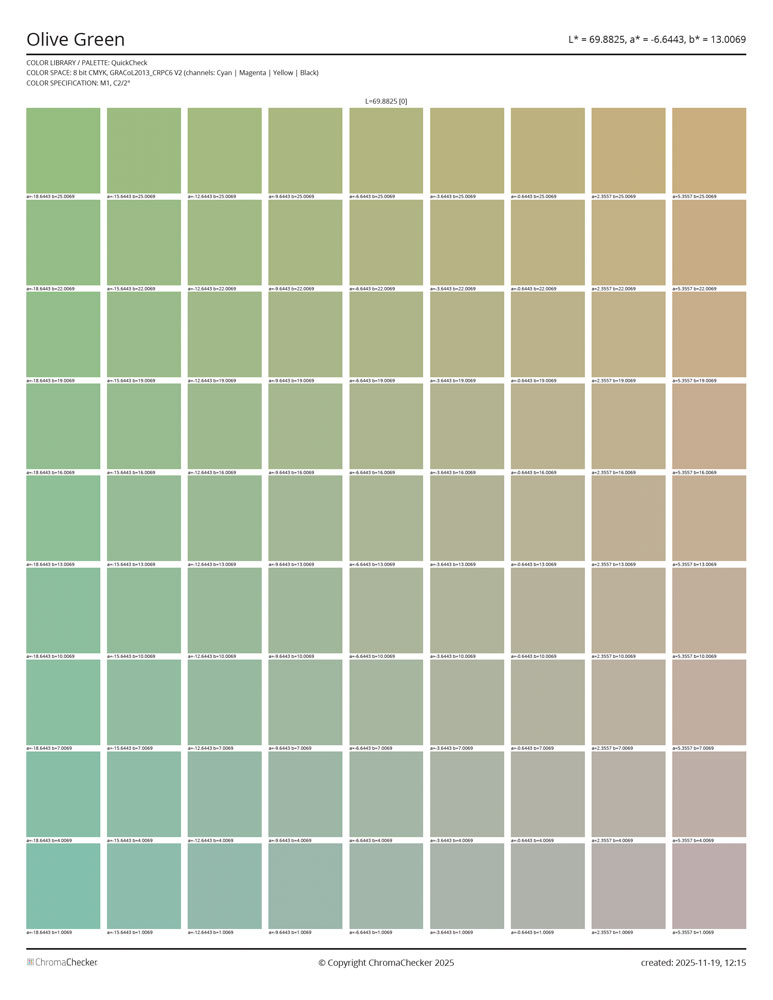
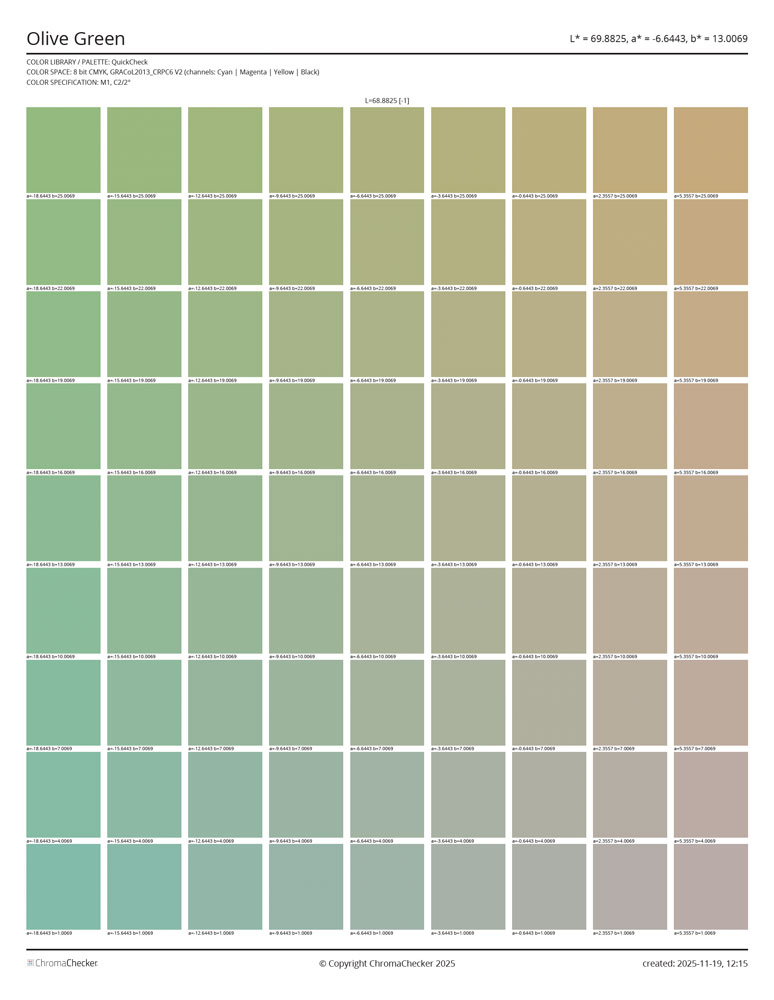
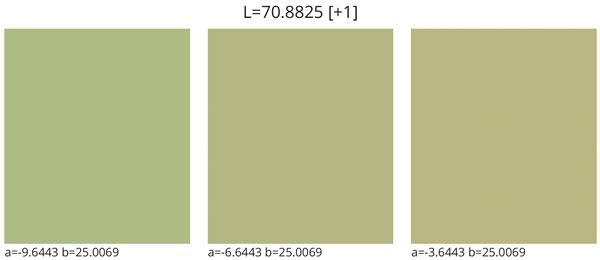
Grid generates a set of color examples based on a defined deviation range and the number of steps in each axis. Based on Lab space, you can set the size of a single step in each axis and specify the number of steps separately. This creates one or several pages illustrating similar color variants.
Typical applications include:
- Finding the CMYK or Lab coordinates of the color you're looking for when you don't have a perfect sample
- Searching for a color that reproduces “better”
- Seeing potential differences that a color will experience during reproduction
Grid Parameters
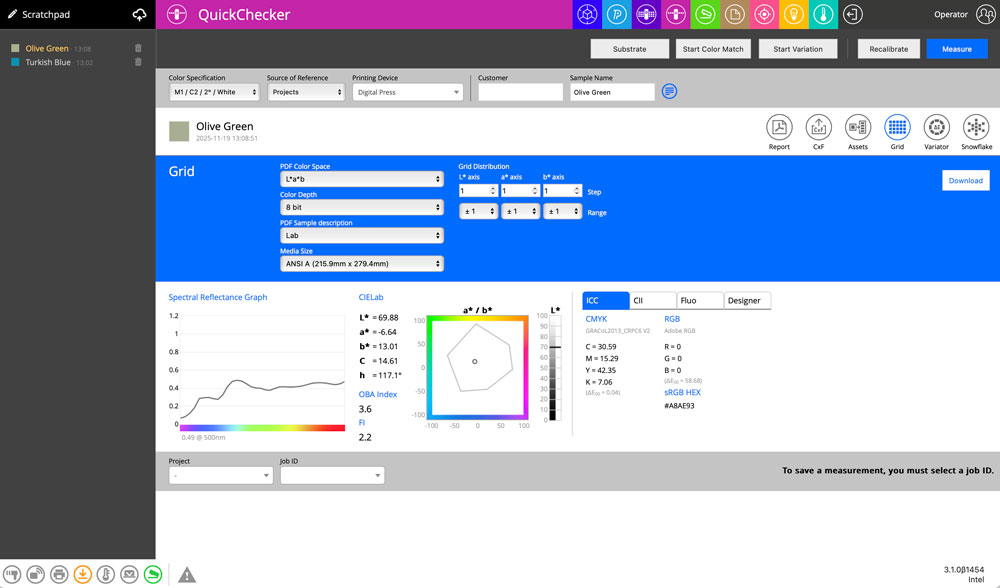
PDF Color Space
The created file may address graphic objects using various color spaces: Lab, CMYK, or RGB. SOHO printers typically use RGB (generic system driver), while printers with a RIP (Xerox MFP with EFI Fiery, Epson proofers, Konica Minolta KM-1e Press) are mostly CMYK.
Color Depth
If your system can handle 16-bit — use it for more accurate addressing. Inexpensive solutions are often 8-bit only.
PDF Sample Descriptions
Each sample is described — select Lab or the color space chosen for PDF.
Media Size
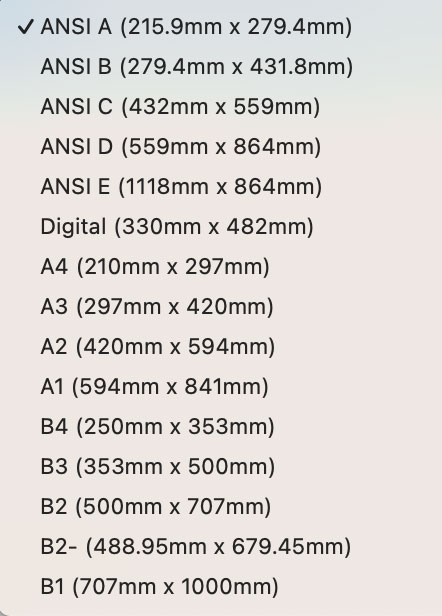
Defines the media size of the PDF output.
CMYK Example
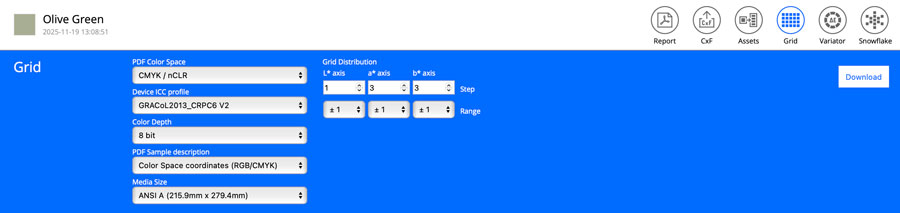
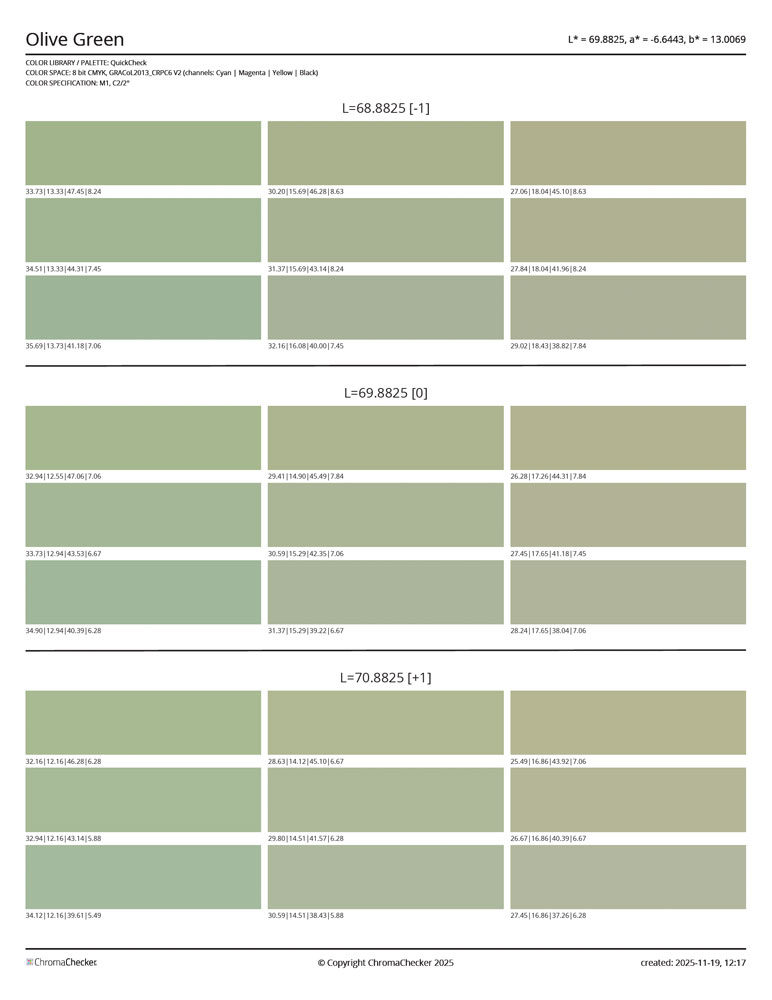
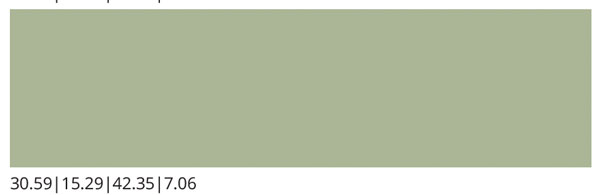
Steps in axes a* and b* are coarse (=3), while the L* step is fine (1). Using GRACoL color space, with sample descriptions based on CMYK coordinates. Notation example: C=30.59%, M=15.29%, Y=42.35%, K=7.06.
Lab Example
In this case, the range is for axes a* and b*, set to ±4, and the description is set to Lab. Three pages are generated, each described with Lab values.