Scratchpad Fast Evaluation
Compare measured samples using the Scratchpad as a fast reference.
Overview
The QuickChecker enables comparing to the sample from the Scratchpad for color matching. Production workflows require building a Color Library and Projects.
Steps to Compare
- Measure one or more samples using the Measure button
- In the Compare Window, select Compare to Scratchpad and choose an existing measurement as Reference
- The Report displays automatically with real-time updates
Step 1 — Measure Substrate
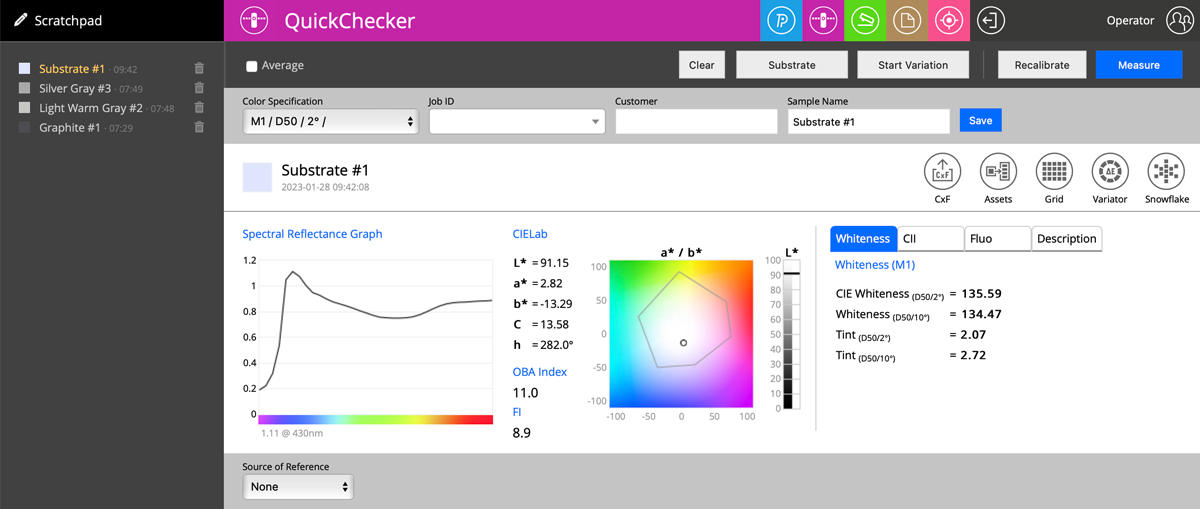
Measure the substrate first for accurate density predictions. The Whiteness Tab is available exclusively for substrate measurements.
Step 2 — Measure First Sample
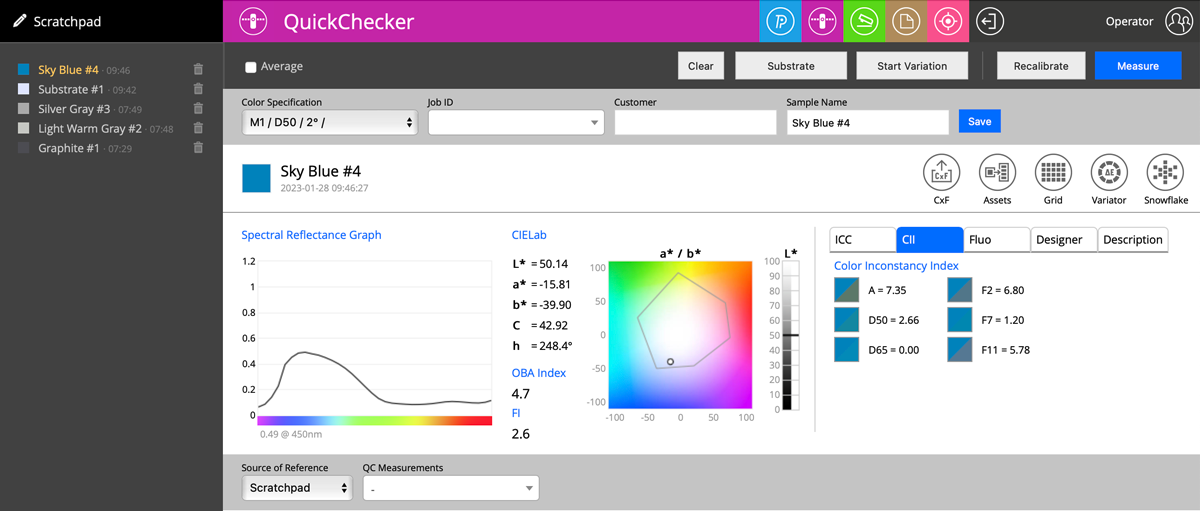
Available measurement report tabs after the first sample:
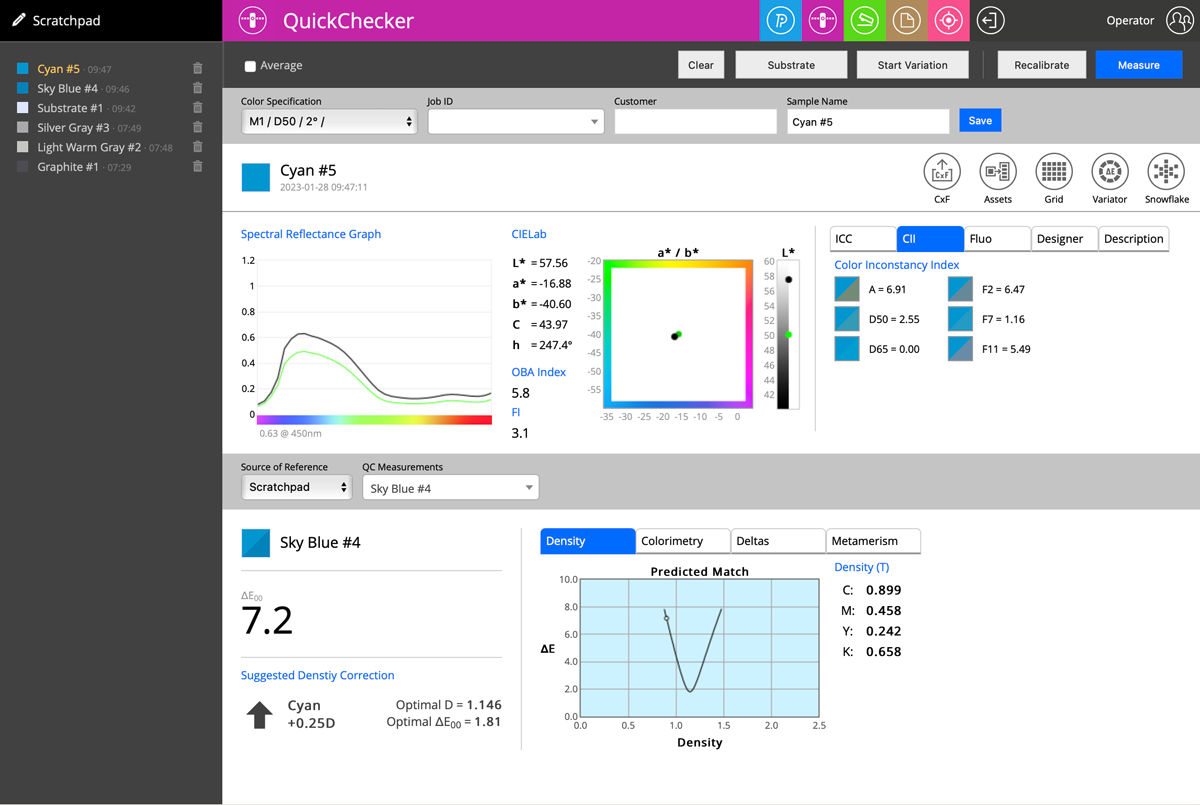
- Color Inconstancy Indexes (Reference Illuminant D65)
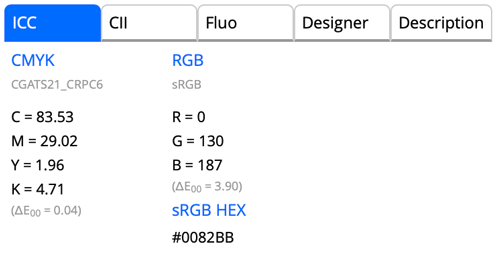
- ICC Profile coordinates (CMYK/nCLR/RGB)
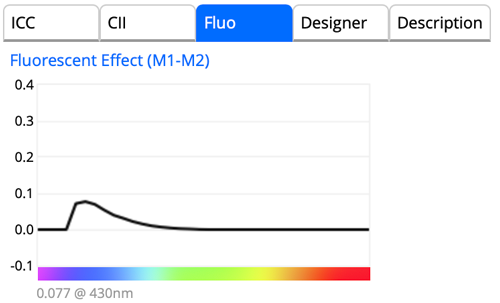
- Fluorescent Effect (M1/M2 comparison)
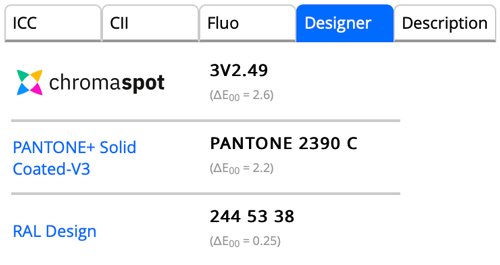
- ChromaSpot/Custom Library/RAL Design closest match search
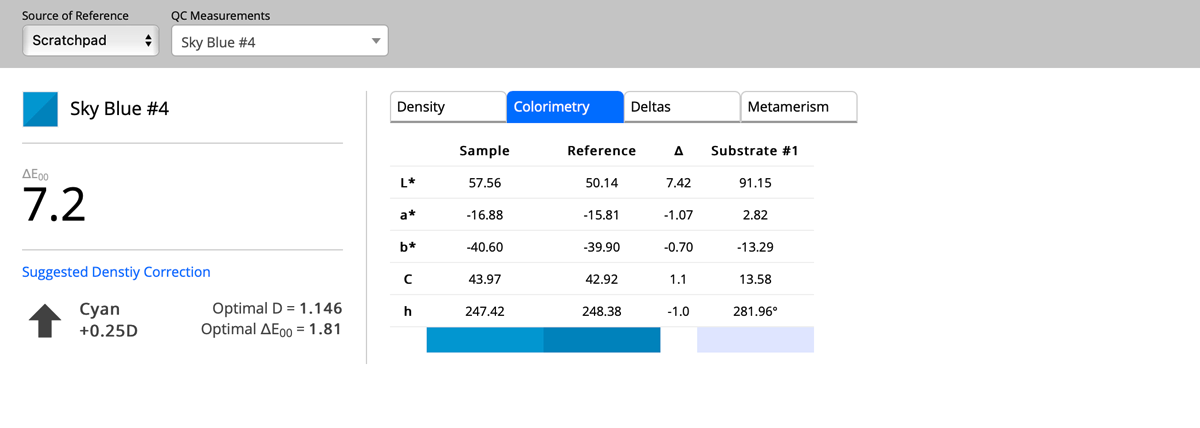
- ΔE error reporting
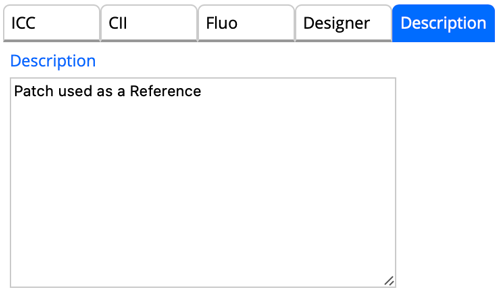
- Operator description field
Step 3 — Subsequent Measurements
The Density Tab shows ink quantity adjustments needed to reduce error, with optimal value predictions.
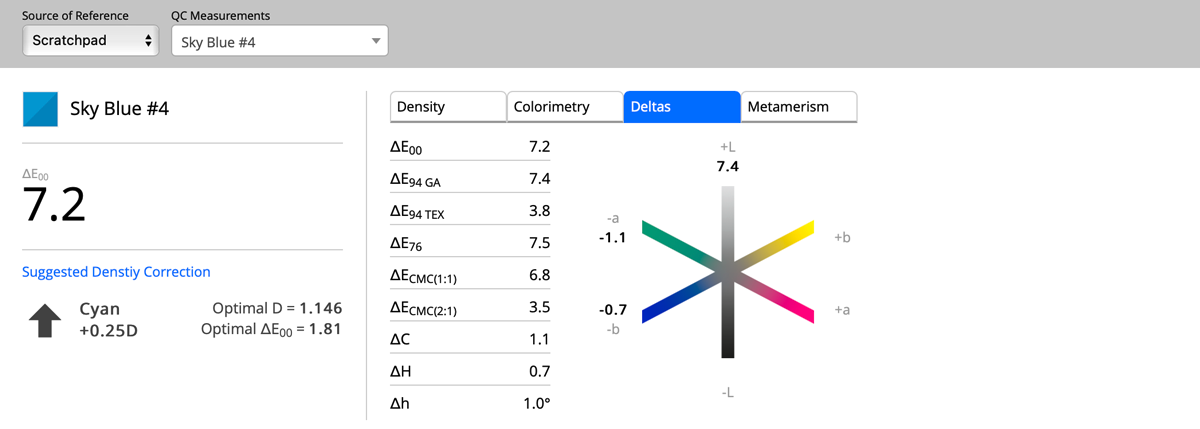
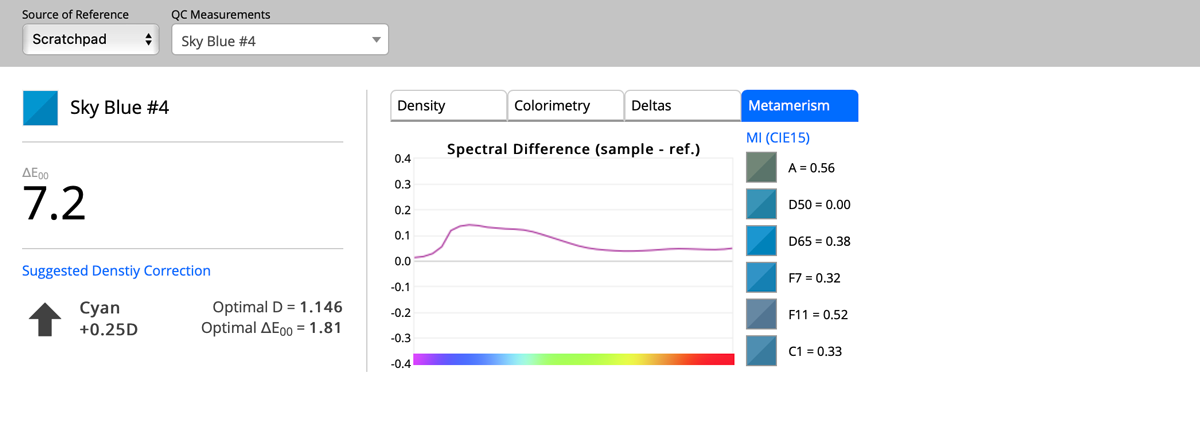
Options
- Optimal Ink Density: Measure substrate beforehand for “Minus Paper” Density/ΔE Error simulation
- Start Variation: Creates a representative Reference by averaging measurements with statistical analysis
Most instruments can measure all M-conditions at once, with instant recalculation across different Color Specifications.
