Refer to Projects
Track recurring production jobs using predefined project templates.
Overview
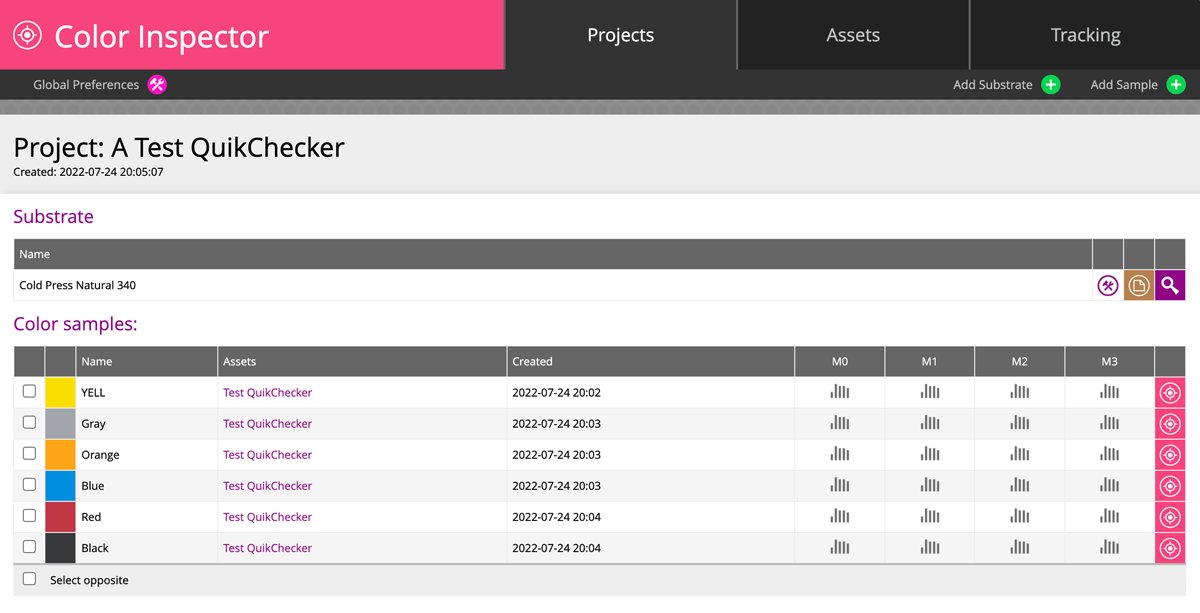
The project-based QC tracking system streamlines repetitive production processes through templates that store spot color and substrate information.
Prerequisite Steps
The workflow requires operators to:
- Select a project (or scan a barcode for automatic ID entry)
- Manually enter or scan a Job ID
- Measure the substrate for consistency checks throughout the session
Measurement Workflow
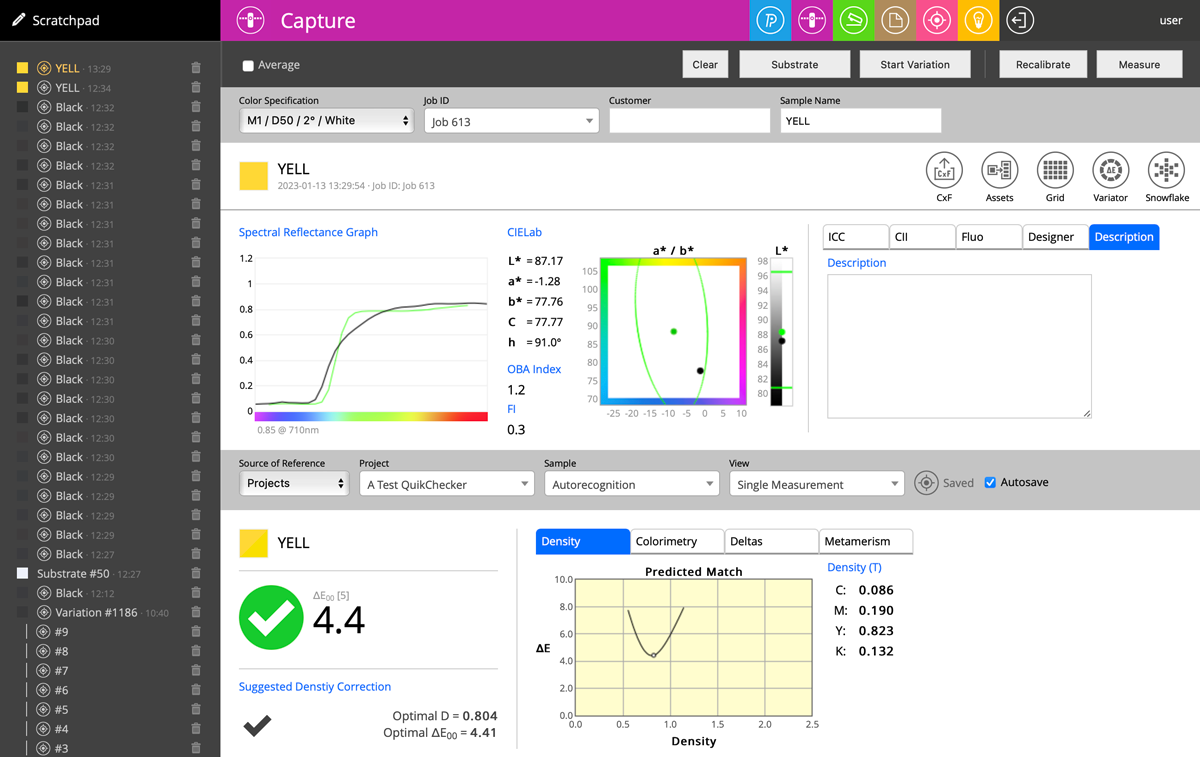
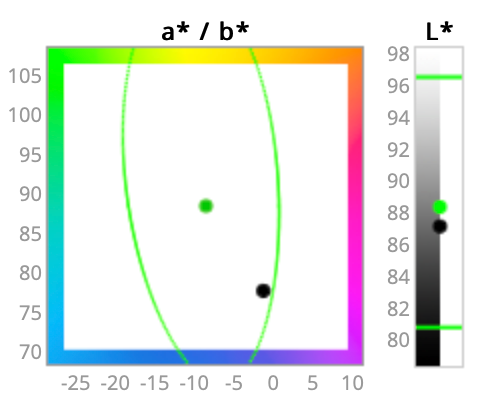
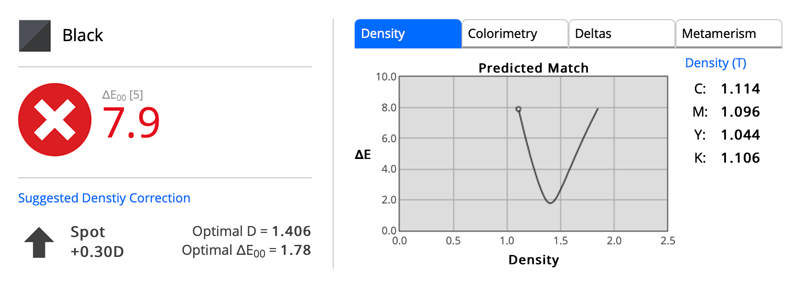
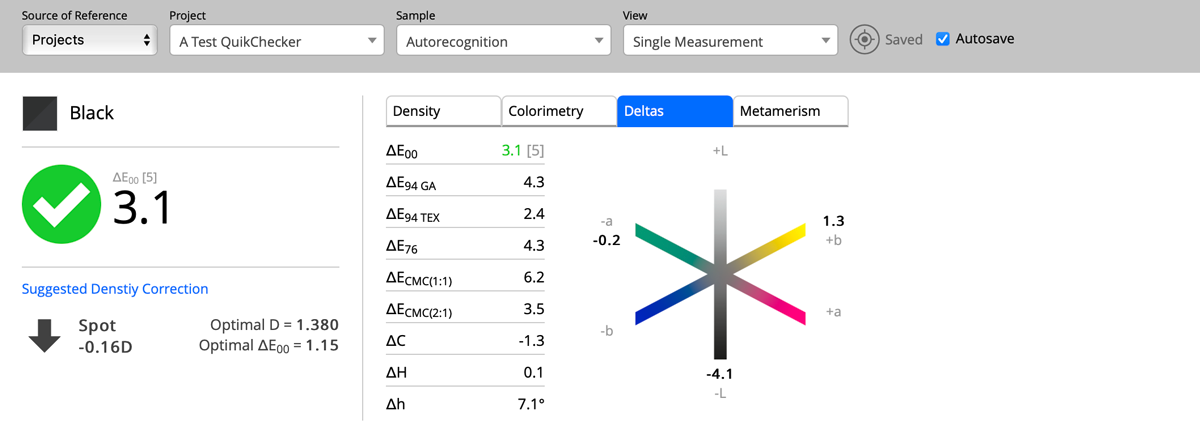
Operators trigger single measurements that display pass/fail criteria against tolerance ranges. The system provides density prediction capabilities and allows optional comments in measurement reports. Auto-save functionality eliminates manual data entry, though improper measurements can be deleted from the server.
Data Analysis
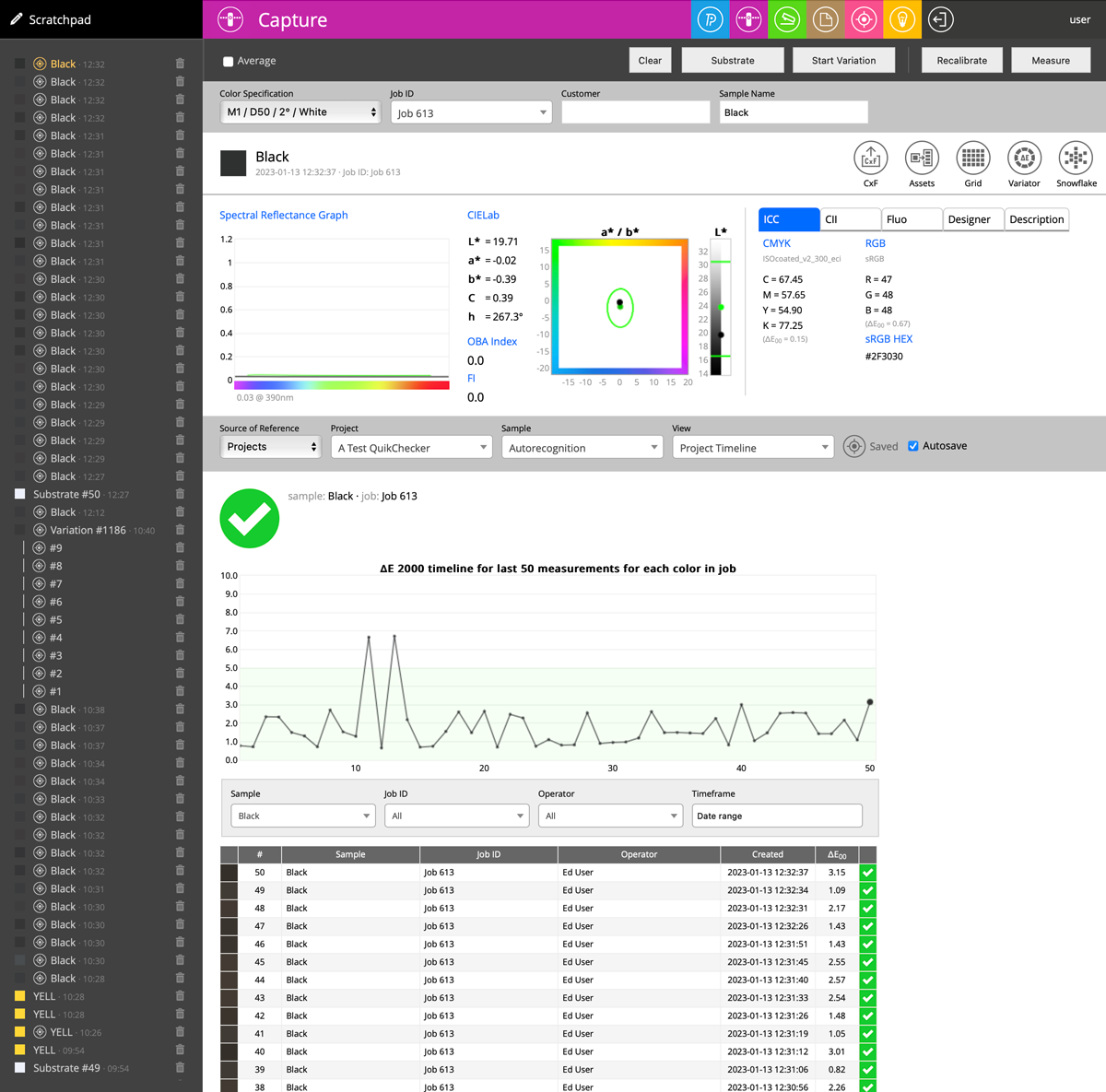
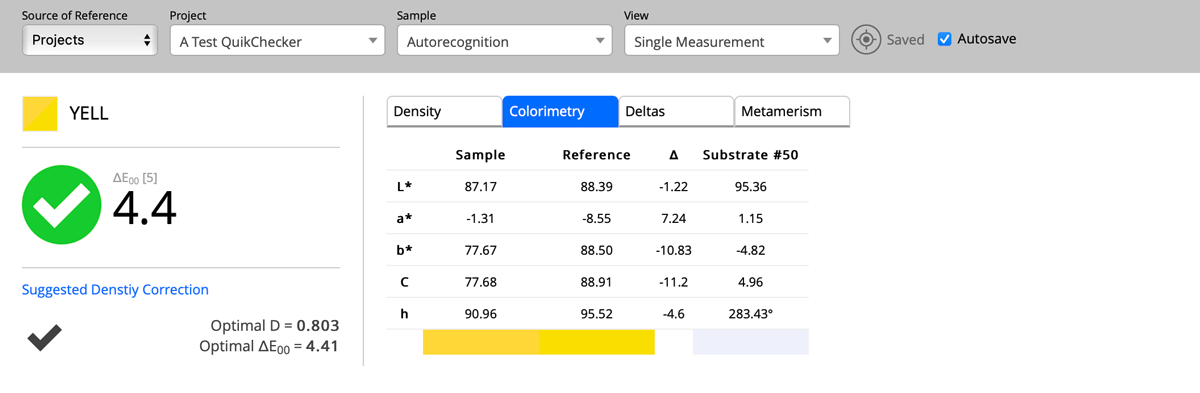
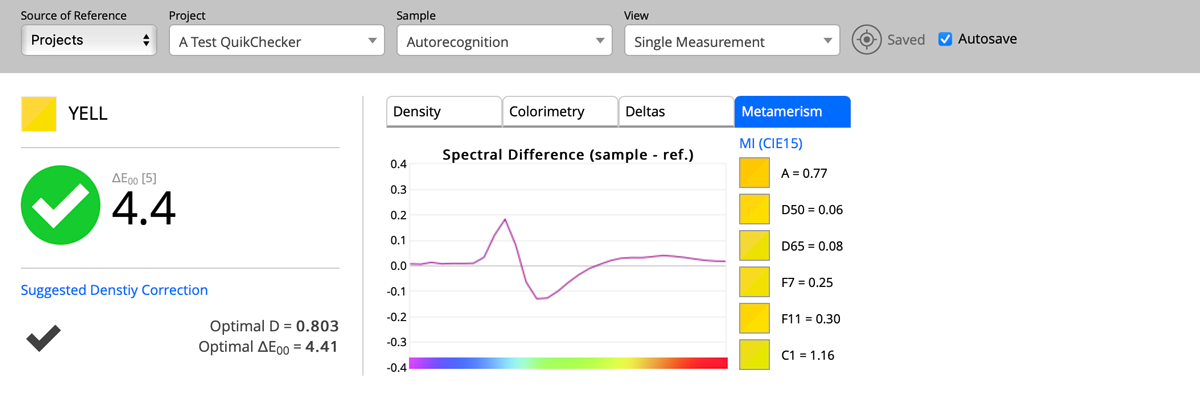
The interface includes timeline views showing previous measurements across printers and operators (up to 500 measurements), with filtering options. Additional analytical tabs address metamerism detection, delta evaluation, and colorimetry analysis.
Project Definition
Projects are created server-side through expert accounts via the Color Inspector tool. Contact your system administrator for project setup access.
